Dating app photo guide
AI dating photos for Tinder, Bumble, and Hinge
The profile formats differ, but the photo fundamentals are remarkably consistent: make the first image easy to recognize, use the remaining images to reveal genuine interests and lifestyle, and reject anything that creates a false expectation of who will arrive in person. DatingPhotoShot generates a varied photo library from your own selfies so you can choose a credible lineup for each app instead of manufacturing three different identities.
Upload 3 clear selfies to start; 5-8 are recommended for better likeness. Preview up to 3 watermarked results before a one-time unlock.
DatingPhotoShot is not affiliated with or endorsed by Tinder, Bumble, or Hinge. Those names are used only to describe common dating-profile contexts.
Profile structure
Build one honest photo library, then adapt the order
Start with a shared set of recognizable portraits and lifestyle scenes. Change sequence and emphasis for each app, but keep face, age, body proportions, personal style, and real interests consistent everywhere.
Use a clear solo opener
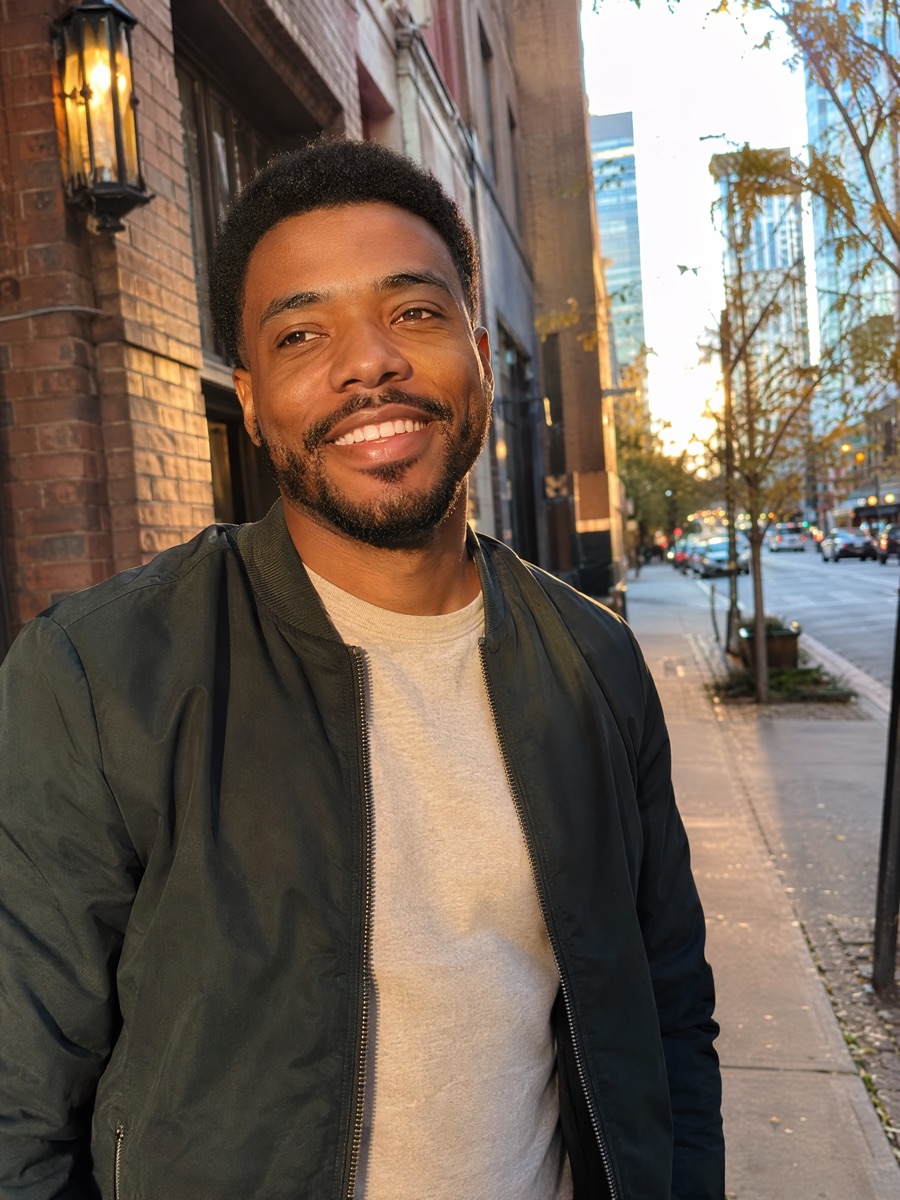
Choose a recent portrait with visible eyes, believable lighting, and enough room for different profile crops. The first image should identify you without requiring someone to compare a group photo or decode a distant activity shot.
Add composition range
Mix a close portrait, waist-up lifestyle image, and full-body or movement frame. Repeated crops and expressions make even technically good images feel artificial and reveal very little personality.
Show one or two genuine interests
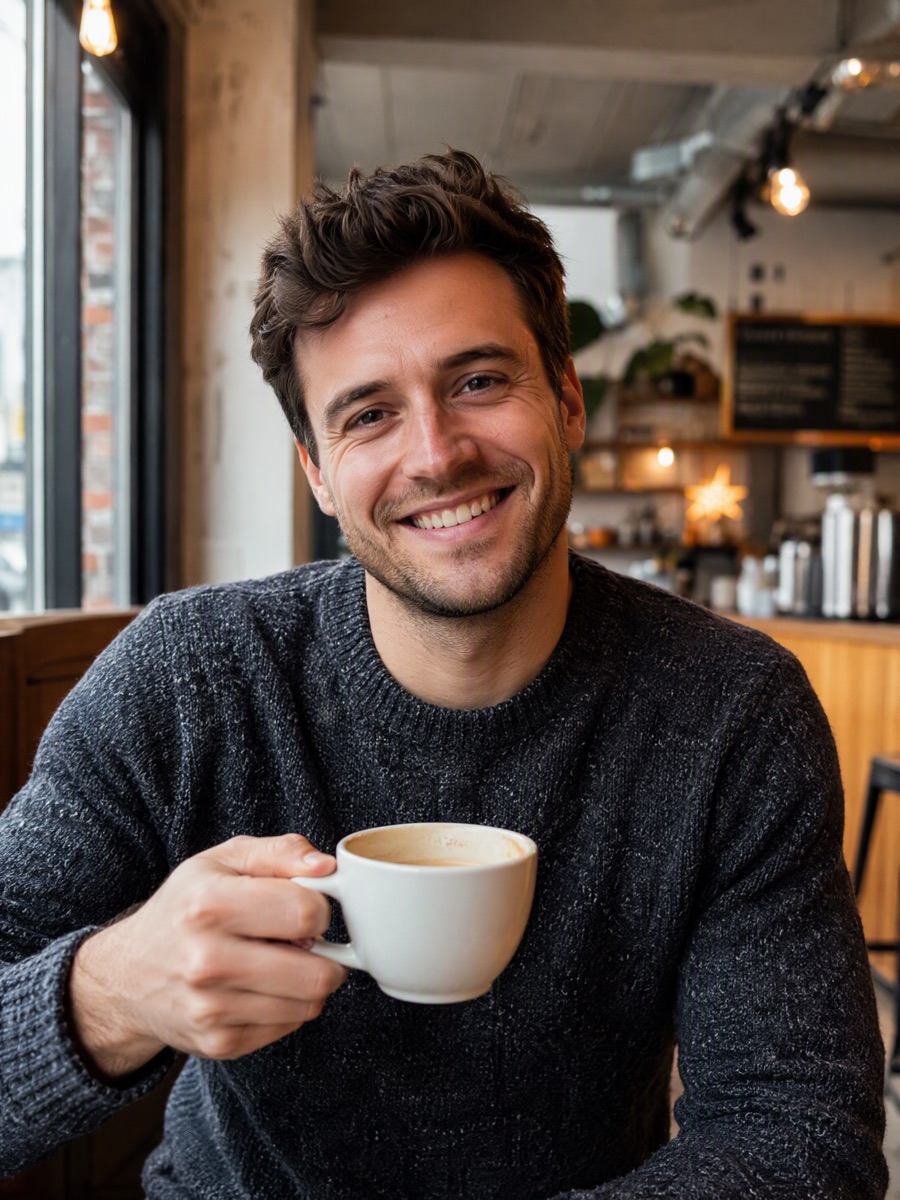
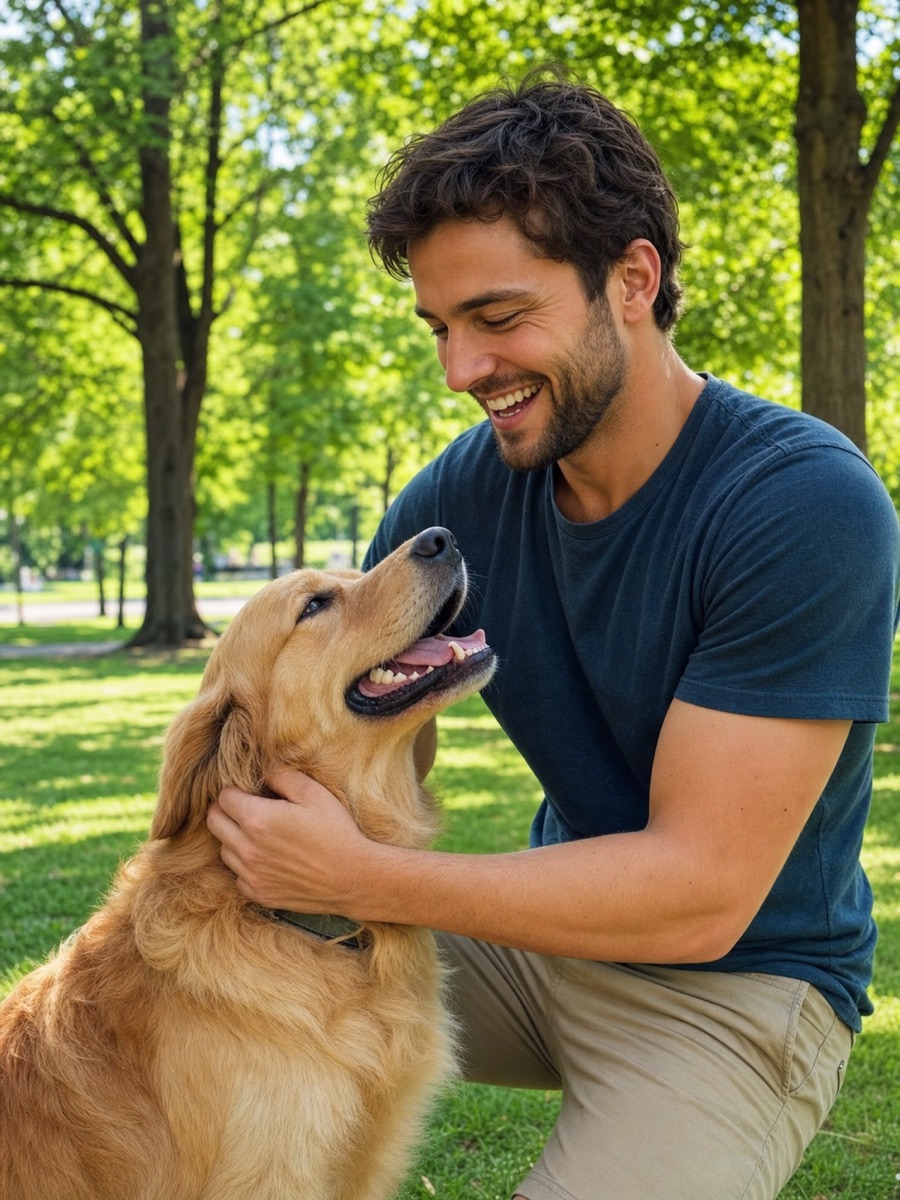
A pet, outdoor routine, coffee ritual, creative environment, travel moment, or weekend market can create an easy opening question. Only use scenes that reflect activities you would honestly discuss and repeat in real life.
Match photos with the rest of the profile
On prompt-led profiles, let photos add evidence and context instead of repeating the same statement. Across every app, the complete profile should feel like one coherent person rather than a collection of unrelated attractive images.
Review identity across the entire set
Compare eyes, smile, face shape, hairline, age, skin texture, and body proportions against the source photos. A result is only useful when another person could recognize you immediately offline.
Protect private routines
Avoid publishing a precise home, workplace, badge, license plate, regular transit stop, or other detail that makes a daily routine easy to locate. Lifestyle context should not require exposing sensitive information.